Essential Tips for Maintaining Your Electronics
Keep your electronics in top shape with these essential maintenance tips. From cleaning to software updates, ensure longevity and optimal performance.
Regular Cleaning and Dusting
Maintaining the cleanliness of your electronics is crucial for their longevity. Dust and dirt can accumulate in vents and ports, leading to overheating and reduced efficiency. Use a soft, lint-free cloth to wipe down surfaces regularly. For hard-to-reach areas, consider using compressed air to blow out dust from keyboards, vents, and other crevices. Avoid using harsh chemicals or abrasive materials, as they can damage the delicate surfaces of your devices. Regular cleaning not only improves performance but also enhances the aesthetic appeal of your gadgets.
Proper Storage and Handling
How you store and handle your electronics can significantly impact their lifespan. Always keep devices in a cool, dry place to prevent moisture damage. Use protective cases and covers to shield your gadgets from physical damage, such as scratches and drops. When transporting devices, especially laptops and tablets, ensure they are securely placed in padded bags or sleeves. Proper storage and handling practices can prevent a multitude of issues, from cracked screens to internal component damage.
Battery Care and Management
The battery is one of the most critical components of any electronic device. To extend battery life, avoid letting it drop to 0% or stay at 100% for extended periods. Instead, try to keep the charge between 20% and 80%. Use the original charger or a high-quality replacement to ensure optimal charging. Overcharging or using incompatible chargers can lead to overheating and battery degradation. Implementing good battery management practices can significantly enhance the performance and longevity of your electronics.
Software Updates and Maintenance
Keeping your software up-to-date is essential for the smooth operation of your devices. Manufacturers regularly release updates to fix bugs, improve performance, and enhance security. Ignoring these updates can leave your device vulnerable to malware and other security threats. Regularly check for and install updates for your operating system, apps, and firmware. Additionally, perform routine maintenance tasks such as clearing cache and deleting unnecessary files to free up space and improve speed.
Safe Usage Practices
Adopting safe usage practices can prevent many common issues associated with electronics. Avoid exposing your devices to extreme temperatures, as both heat and cold can damage internal components. Be mindful of where you place your gadgets; avoid leaving them on soft surfaces like beds or couches, where they can overheat. Also, be cautious when eating or drinking near your electronics to prevent spills and crumbs from causing damage. Safe usage ensures that your devices remain in good working condition for longer.
Understanding and Managing Connectivity
Properly managing the connectivity of your devices can enhance their performance and lifespan. Regularly check and update your network settings to ensure a stable connection. Use quality cables and accessories to avoid connectivity issues and potential damage. When connecting to public Wi-Fi, use a VPN to protect your data from potential security threats. Understanding and managing connectivity not only improves performance but also safeguards your personal information.
Regular Backups and Data Management
Data loss can be devastating, especially if it involves important documents or cherished memories. Regularly back up your data to an external hard drive or cloud storage to ensure you have a copy in case of device failure. Organize your files and delete unnecessary data to free up space and improve device performance. Implementing a regular backup routine can save you from the stress and inconvenience of losing valuable information.
Professional Maintenance and Repairs
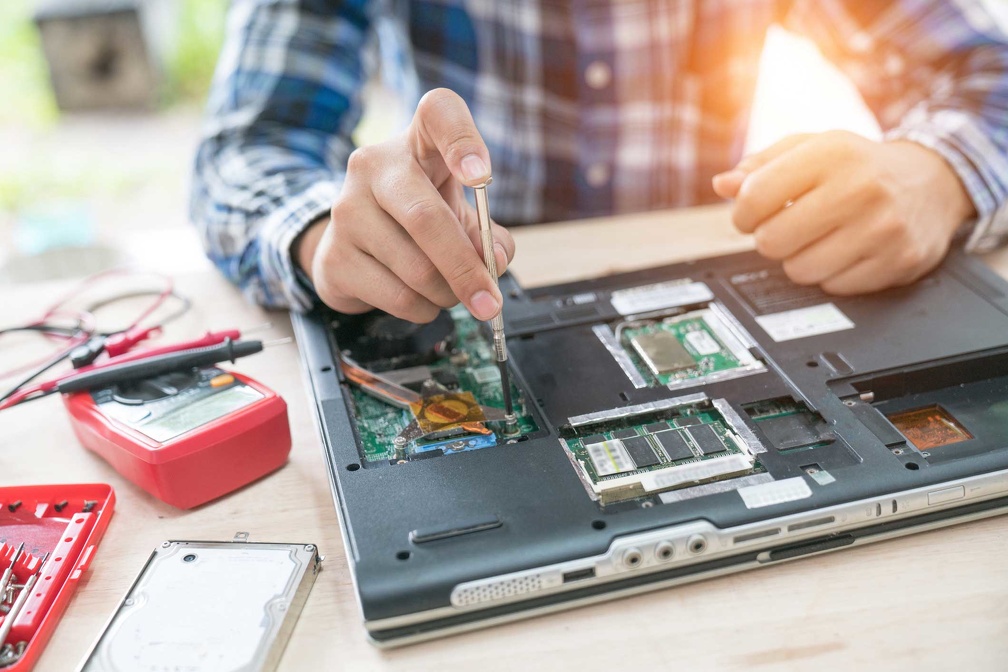
While DIY solutions can be tempting, some issues require professional attention. If your device is under warranty, take advantage of it for repairs and maintenance. For out-of-warranty devices, seek reputable repair services to avoid further damage. Professionals have the tools and expertise to diagnose and fix problems accurately. Regular professional maintenance can also identify potential issues before they become major problems, ensuring your electronics remain in optimal condition.